My PC overheats and is noisy: what to do?
Dust, dried thermal paste, worn fan: I clean, replace the paste with Kryonaut and your PC is cool and quiet again.
PC overheating, fan blowing hard?
A hot PC slows down, shuts down by itself and wears out faster. Most of the time the cause is simple: dust and dried thermal paste.
The causes
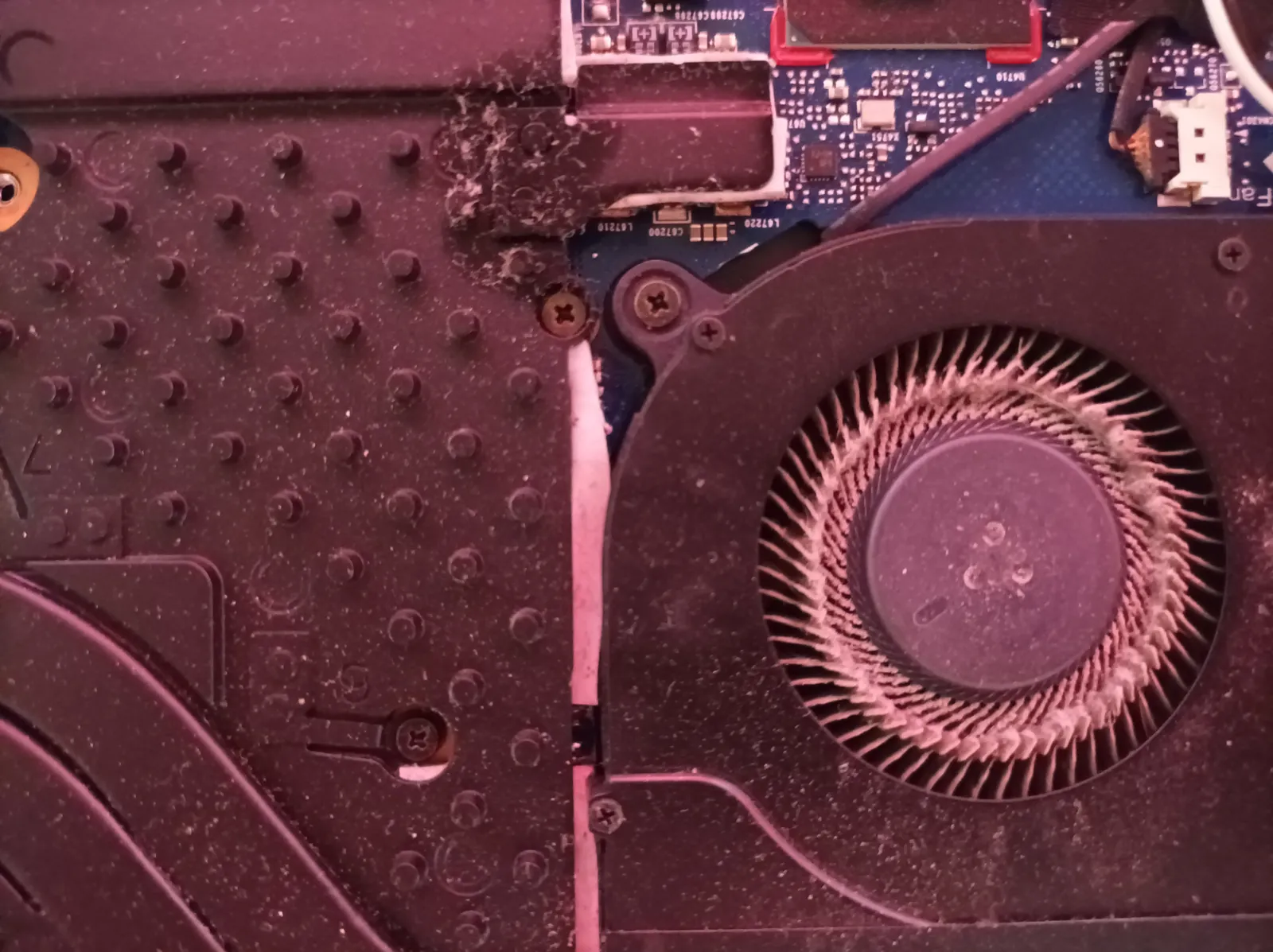
- Fans and heatsink clogged with dust
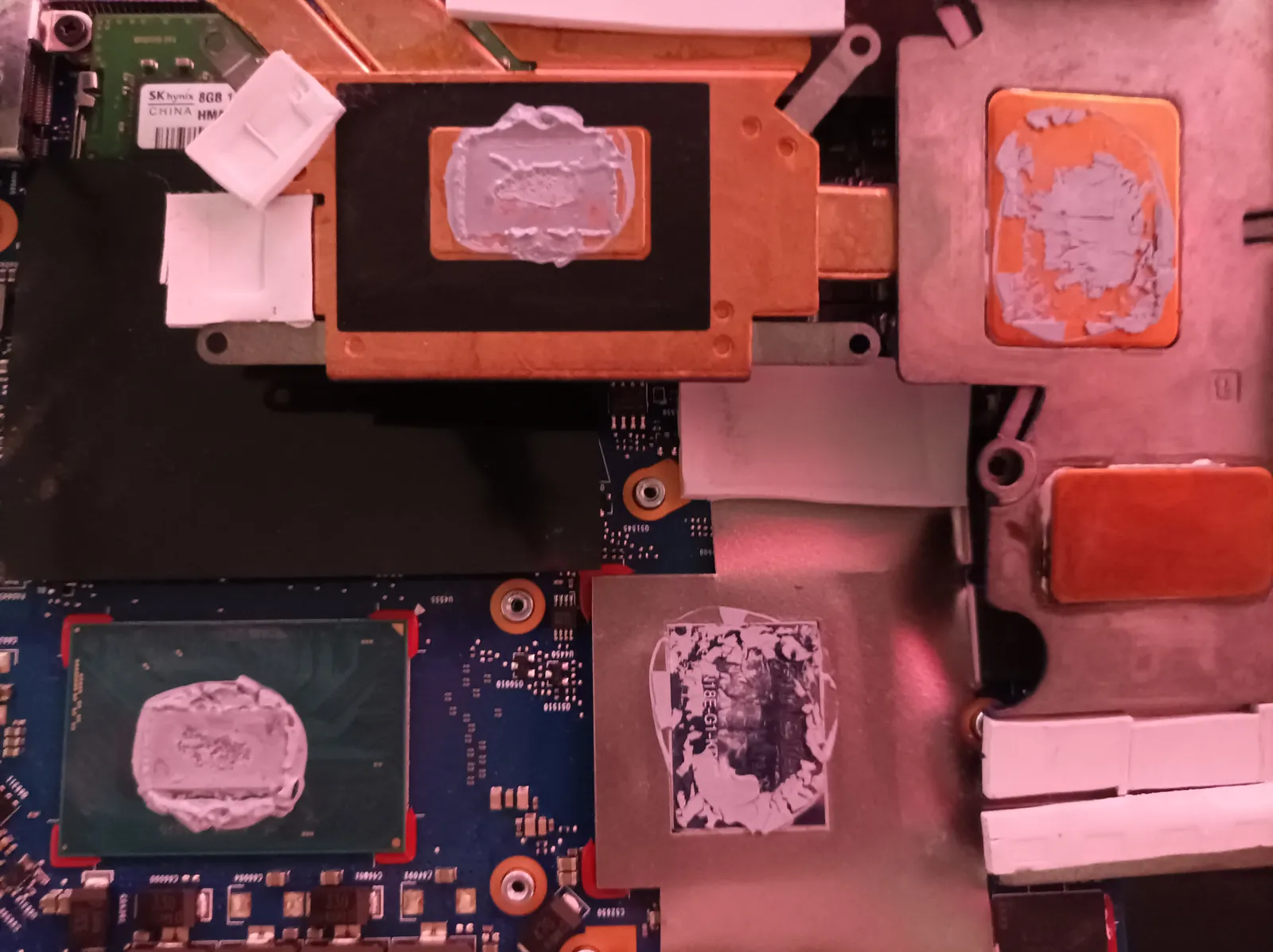
- Dried thermal paste on the processor or graphics card
- Worn fan that no longer spins at the right speed
- Poor airflow in the case
- Worn thermal pads on a graphics card
My solution
I disassemble, fully clean the fans and heatsink, and replace the thermal paste with Kryonaut, one of the best on the market. For a graphics card, I do a repad with Gelid pads. Result: a cooler, quieter and faster PC.
See laptop and desktop PC repair.
- My PC won’t turn on
- My PC overheats and is noisy
- Black screen, no picture
- My PC is very slow
- My graphics card overheats or shows artifacts
Frequently asked questions
How often should thermal paste be changed?
About every 3 to 5 years, or as soon as the PC overheats and gets noisy. On a laptop, it is often the first thing to do.
Why Kryonaut?
It is one of the best thermal pastes on the market: it lowers temperatures and lasts a long time.
My PC shuts down while gaming, is it related?
Very often yes: overheating triggers the protection and turns the machine off. A cleaning and fresh paste fix most cases.
Google reviews, 5 stars
Trusted by my customers


Computer problem? Let’s talk.
Describe your problem or project. I reply within 30 minutes with a clear, free quote. Every day, 7am to 11pm.