My graphics card overheats or shows artifacts
Dried paste, worn pads, fans: I do a repad and repaste of your graphics card to get normal temperatures back.
Graphics card too hot, noisy, or picture glitching?
Soaring temperatures, fans at maximum, screen crashing in games, coloured dots and squares (artifacts): these symptoms almost always have a repairable cause.
The causes
- Dried thermal paste on the graphics chip
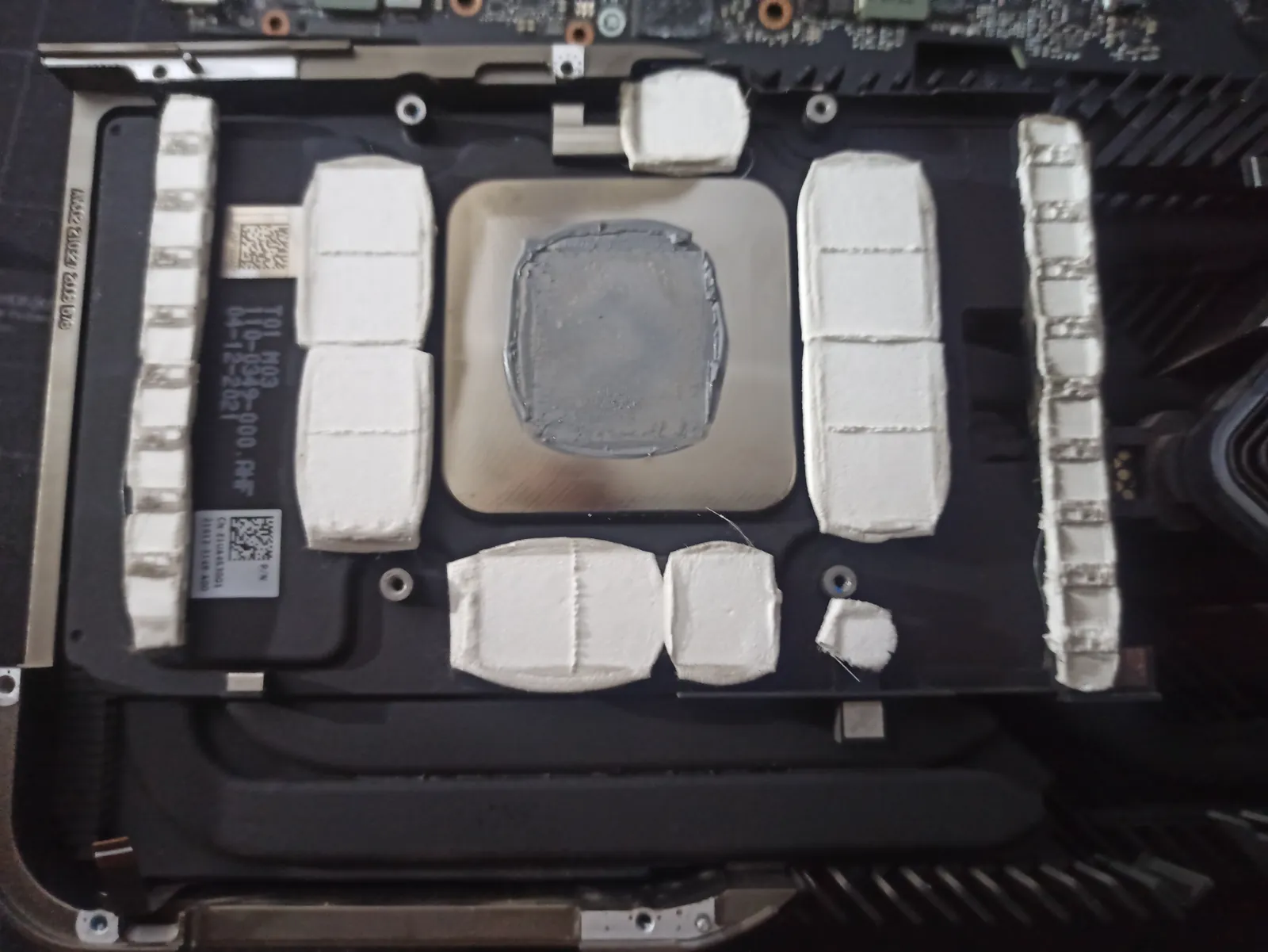
- Worn thermal pads that no longer cool the memory (VRAM)
- Clogged fans or damaged fan cable
- More rarely: faulty chip or memory
My repair
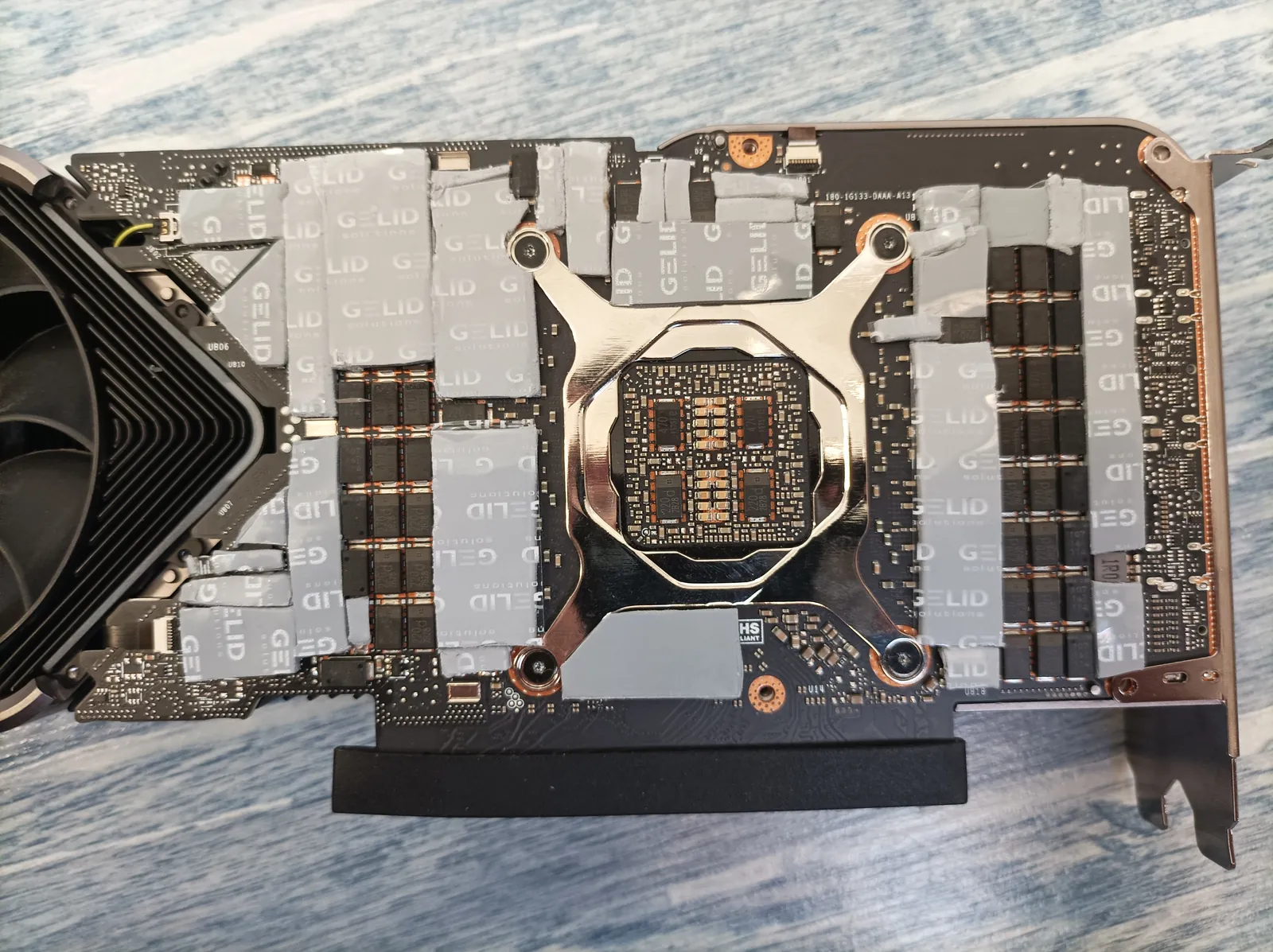
- Repad with Gelid pads, at the right thickness
- Repaste with Kryonaut
- Full cleaning, cable and fan repair
See the NVIDIA and AMD graphics card repair page.
- My PC won’t turn on
- My PC overheats and is noisy
- Black screen, no picture
- My PC is very slow
- My graphics card overheats or shows artifacts
Frequently asked questions
Is a repad enough to fix artifacts?
Often yes when they come from memory overheating. A diagnosis confirms it before any work.
Do you repair NVIDIA and AMD cards?
Yes, both: GeForce RTX and GTX, Radeon.
Google reviews, 5 stars
Trusted by my customers


Computer problem? Let’s talk.
Describe your problem or project. I reply within 30 minutes with a clear, free quote. Every day, 7am to 11pm.